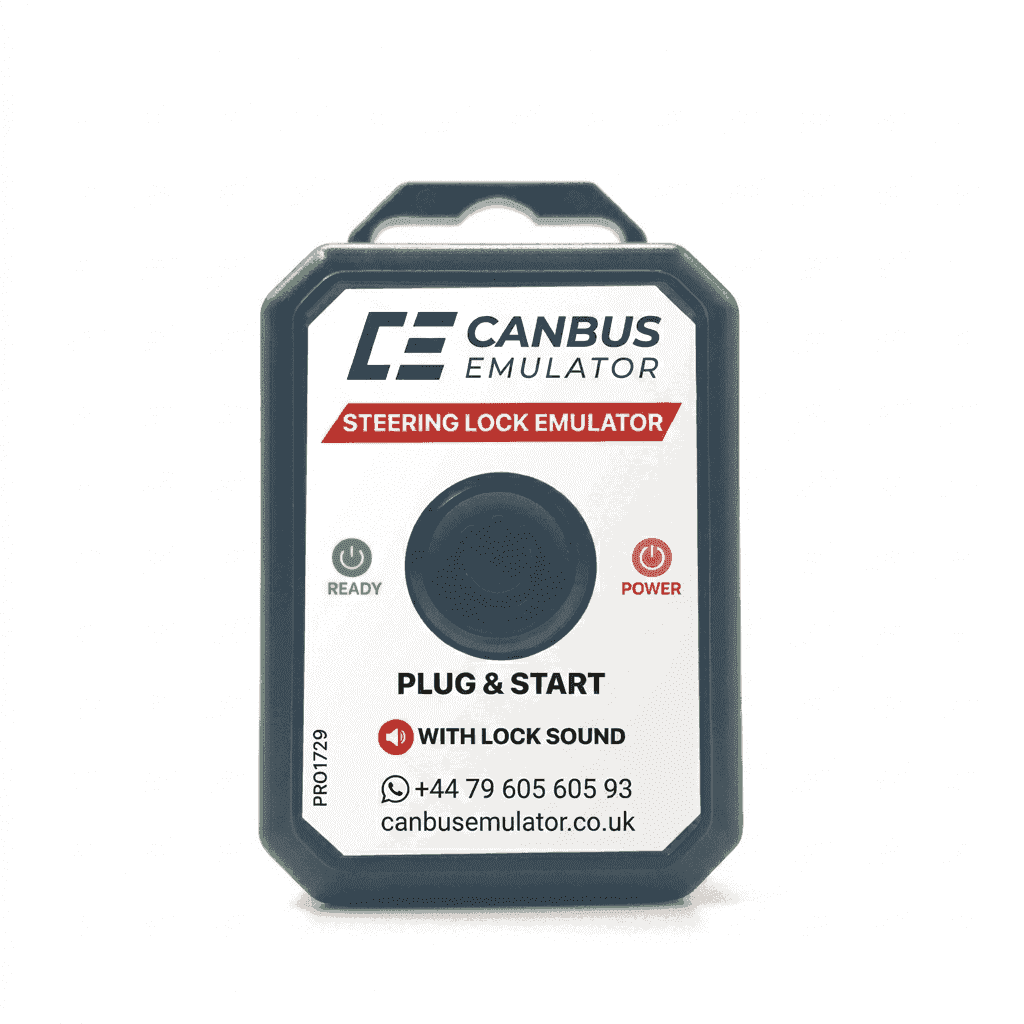
Mercedes-Benz W176 / W246 / W447 FBS3 ELV / ESL Steering Lock Emulator | Canbus Emulator
Mercedes-Benz W176 / W246 / W447 FBS3 ELV / ESL Steering Lock Emulator | Canbus Emulator
Couldn't load pickup availability

Mercedes-Benz W176 / W246 / W447 FBS3 ELV / ESL Steering Lock Emulator | Canbus Emulator
Mercedes-Benz W176 / W246 / W447 (FBS-3) ESL – ELV Steering Lock Emulator
The ESL / ELV Steering Lock Emulator developed for Mercedes-Benz W176, W246, and W447 (FBS-3) platforms is designed to assist in resolving starting issues caused by electronic steering lock failures within professional service environments.
Overview
In Mercedes-Benz models equipped with the FBS-3 security system, electronic steering lock (ELV / ESL) failure is one of the most common causes of starting problems.
When a fault occurs, the vehicle may not grant start authorization, and replacement plus programming of a new steering lock unit may be required. This process can involve high costs and extended waiting times.
The ELV / ESL Emulator supports service procedures by electronically simulating correct system operation during fault diagnosis and repair processes.
Main Features
- FBS-3 Compatibility: Designed for Mercedes-Benz FBS-3 security systems.
- Reprogrammable Structure: Supports diagnostic and programming procedures.
- LED Status Indicator: Allows monitoring of operating and programming status.
- Professional Tool Support: Compatible with common automotive key programming devices.
- Service & Diagnostic Use: Suitable for professional workshop environments.
Supported Models
- Mercedes-Benz W176 (A-Class)
- Mercedes-Benz W246 (B-Class)
- Mercedes-Benz W447 (Vito / V-Class)
Supported EIS / EZS Systems
- W176 EIS
- W246 EIS
- W447 EIS (with steering lock system)
Compatible Key Programming Devices
- Abrites AVDI
- Xhorse VVDI MB BGA
- CGDI MB
- Autel (compatible models)
- Xhorse VVDI Key Tool Plus
LED Status Indicator
- Green Light: Programming completed successfully.
- Red Light: Programming verification failed or incompatibility detected.
- No Light: Power connection or wiring should be checked.
Service Notes
- Installation and programming must be performed by a qualified technician.
- Incorrect application may cause damage to the vehicle.
- It is recommended to check and clear fault memory after installation.
Important Notice
This product is intended solely for legal vehicle service and repair operations. Misuse of vehicle security systems may result in legal liability.