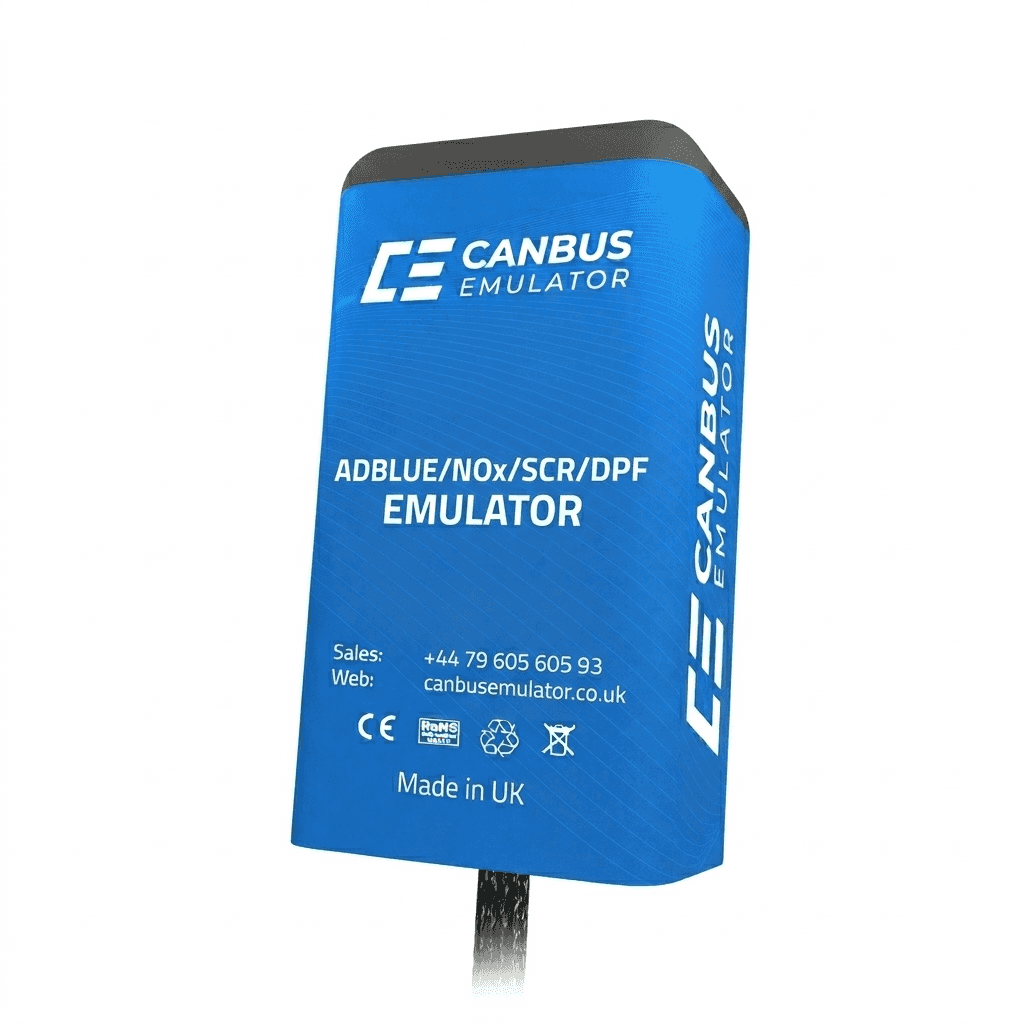
Freightliner Cascadia GHG24 DTC Eraser
Freightliner Cascadia GHG24 DTC Eraser
Couldn't load pickup availability

Freightliner Cascadia GHG24 DTC Eraser
Freightliner Cascadia GHG24 Fault Code Cleaner – OBD Diagnostic Reset Tool
The Freightliner Cascadia GHG24 Fault Code Cleaner by Canbus Emulator is a professional diagnostic device designed to quickly clear stored fault codes in modern Freightliner Cascadia trucks.
This advanced tool connects directly to the vehicle’s OBD diagnostic socket and safely removes stored fault codes from multiple electronic control systems, including the engine, braking system, transmission, and emissions control modules.
By clearing accumulated fault codes, the device removes dashboard warnings and allows technicians to verify that repaired systems are operating correctly, ensuring smooth vehicle operation after maintenance or repairs.
General Information
Modern Freightliner Cascadia trucks utilise complex electronic control systems responsible for engine performance, braking safety, vehicle communications, and emissions management. When faults occur, warning codes are stored within the vehicle ECU and may trigger dashboard alerts or operational restrictions.
The Freightliner Cascadia GHG24 Fault Code Cleaner enables technicians to safely reset these systems after repairs, helping restore normal vehicle operation and preventing persistent warning messages.
Supported Fault Codes
The device supports clearing multiple system fault codes commonly encountered in Freightliner Cascadia vehicles, including:
- Engine system fault code 128
- ABS braking system fault code 136
- Satellite communication system fault code 181
- Additional diagnostic fault codes stored in vehicle control modules
Supported Vehicle Systems
- Brake system
- Engine control system
- Vehicle central computer (GM)
- Automatic transmission
- Tachograph system
- Retarder system
- Suspension system
- AdBlue emission control system
Operational Benefits
- Quickly clears stored diagnostic fault codes
- Removes dashboard warning notifications
- Supports multiple vehicle control systems
- Helps verify successful repairs
- Simple plug-and-play operation
Usage Instructions
- Turn on the ignition without starting the engine.
- Connect the device to the vehicle OBD socket.
- Wait approximately 30 seconds for activation.
- Turn off the ignition.
- Remove the device from the OBD port.
- Wait another 30 seconds.
- Start the engine.
Additional Functionality
After repair or replacement of faulty exhaust after-treatment components, this device may support the deactivation of torque or speed limitations caused by stored system faults.
Important Information
This product is intended for professional diagnostic and repair procedures. Installation and operation should be performed by qualified commercial vehicle technicians.